OliMatica
Build our builds, or your own structures, in your own Minecraft world. A hologram shows every block to place, layer by layer or step by step, with the materials of each step. One resource pack: it works in any world, Realm or server.
How it works
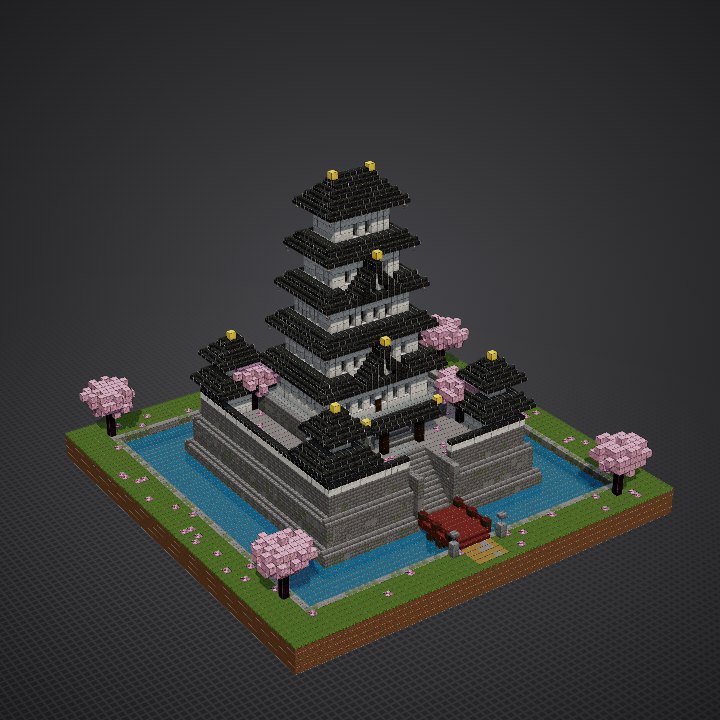
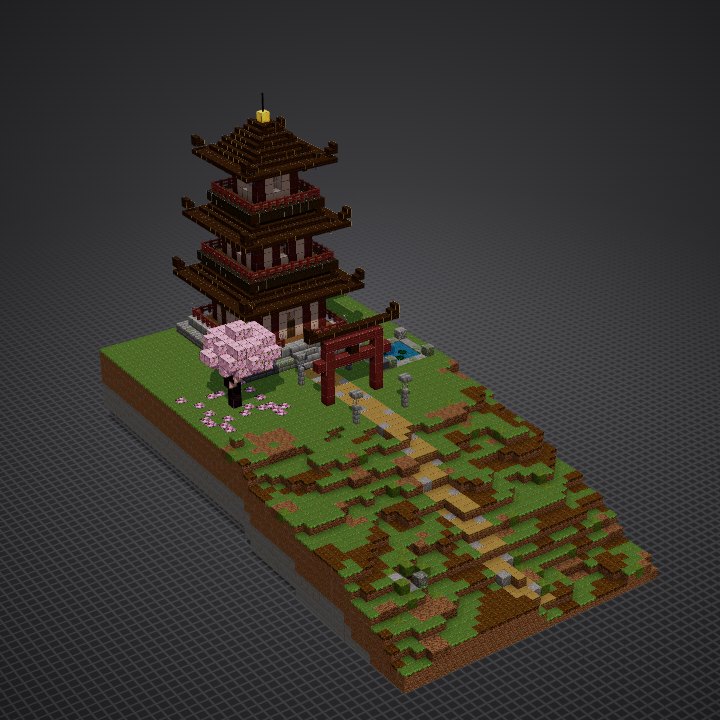
Pick
Our builds, the community's, or your own structures: .mcstructure files saved with a structure block, or Java's .litematic, .schem, .nbt and .schematic.
 OliMatica - My builds.mcpack
Make your pack
One .mcpack with all of them. Open it: Minecraft adds it to its resource packs.
Build
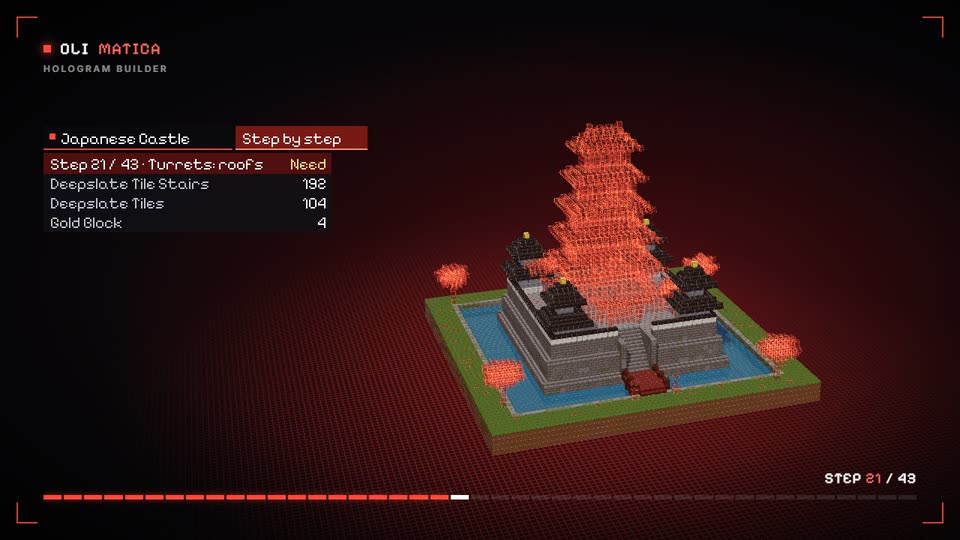
In your world, give the start item of your pack (a paper, or the one you chose) to an armor stand: it becomes a projector, and the build appears beside it, block by block.
Everything is in the guideYour first hologram, every button of the menu, layers and steps, placing, the checker, your structures, Free and Member, help.
Open the guideIn the game


It becomes a projector at the front left corner of the build, out of the way of the blocks; the build appears beside it, its best side towards you. Or give the build fixed coordinates on this page.
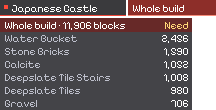
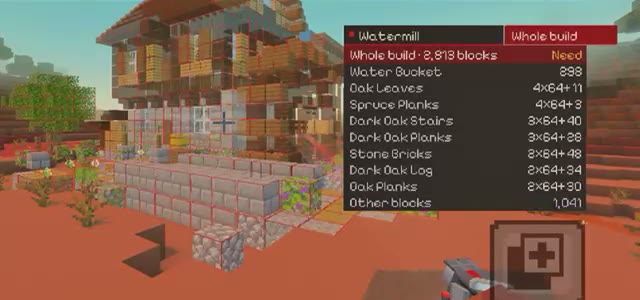
The build, the layer or the step you are on, its materials and how many of each.
Layer up and down, step back and forth, without opening anything. On touch screens, the bar's second page moves and turns the hologram.
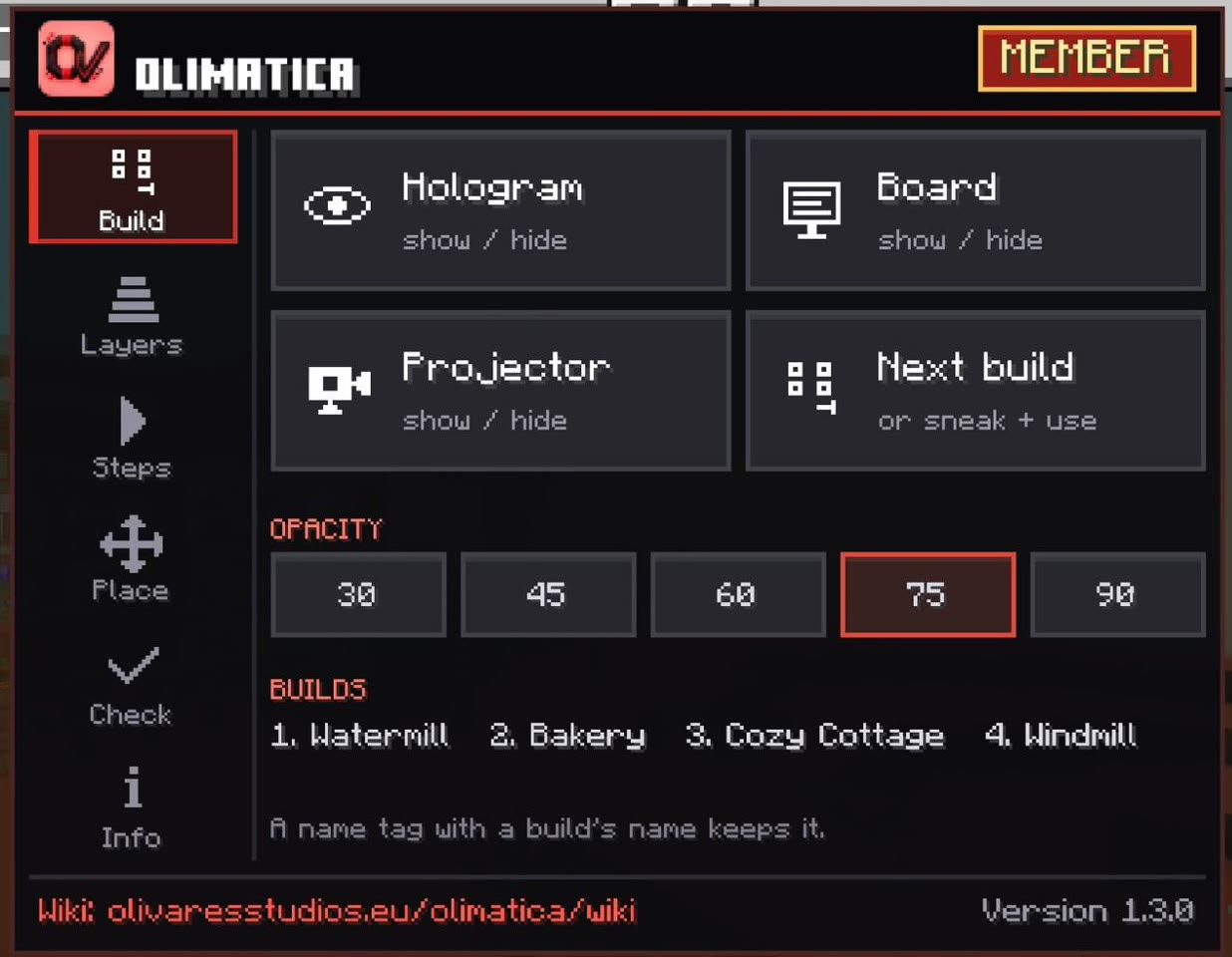
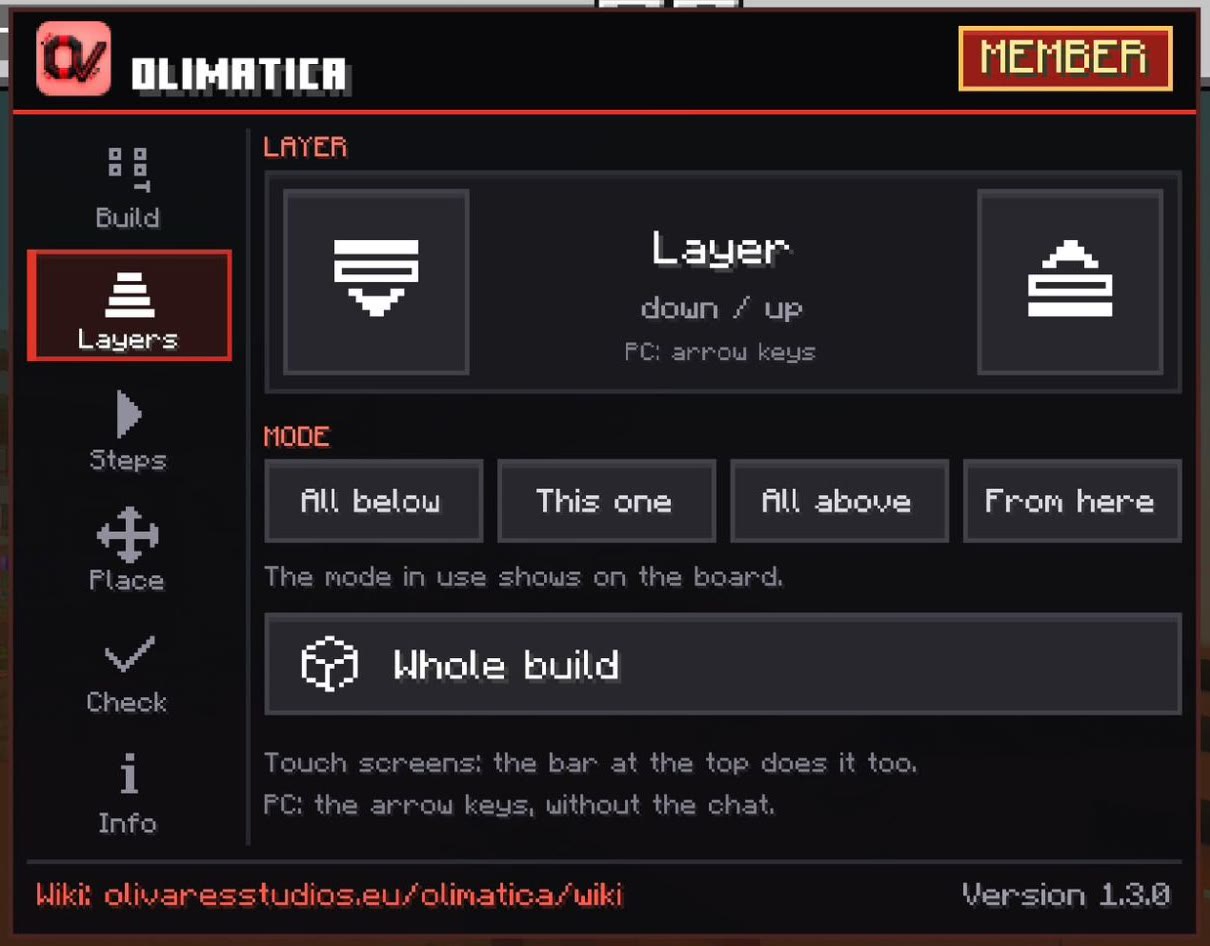
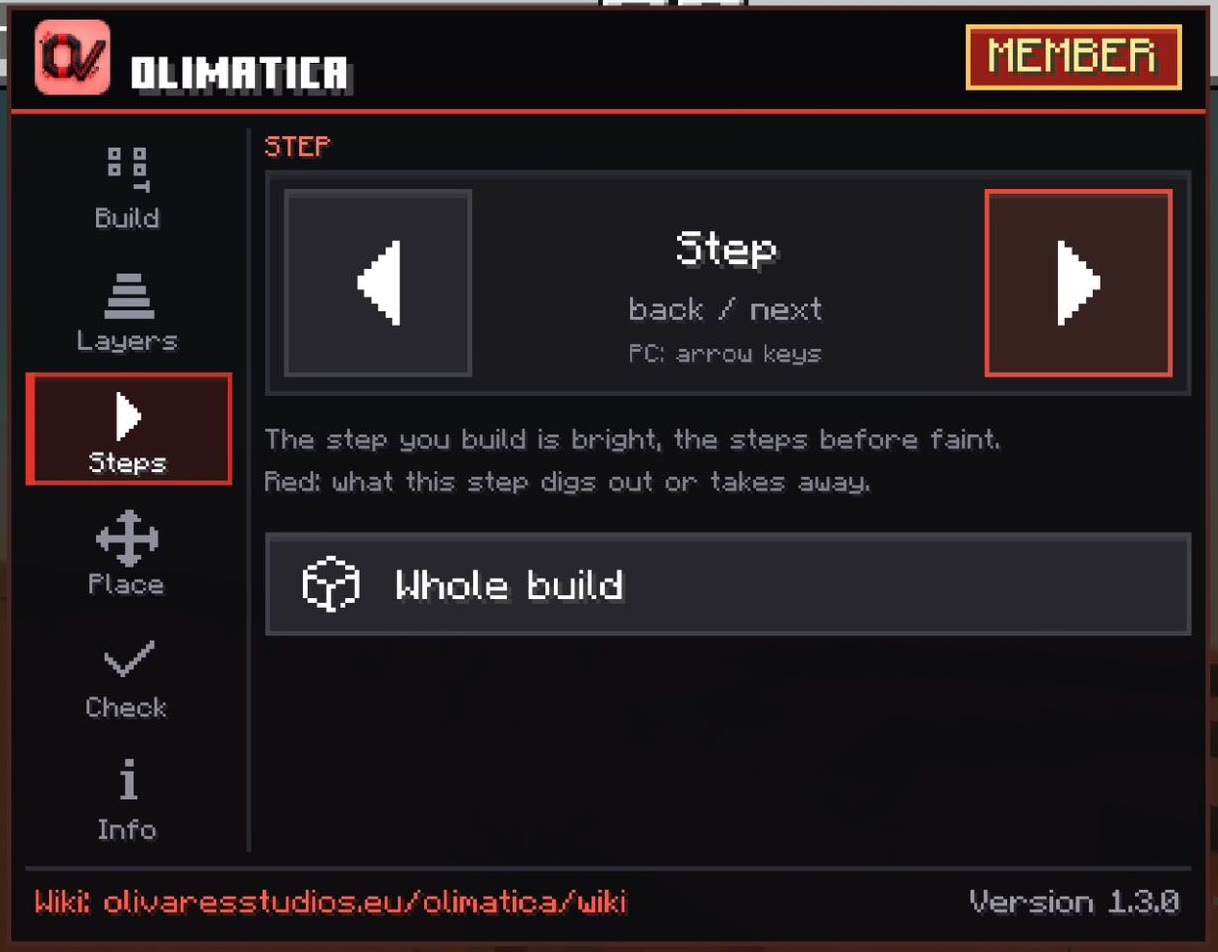
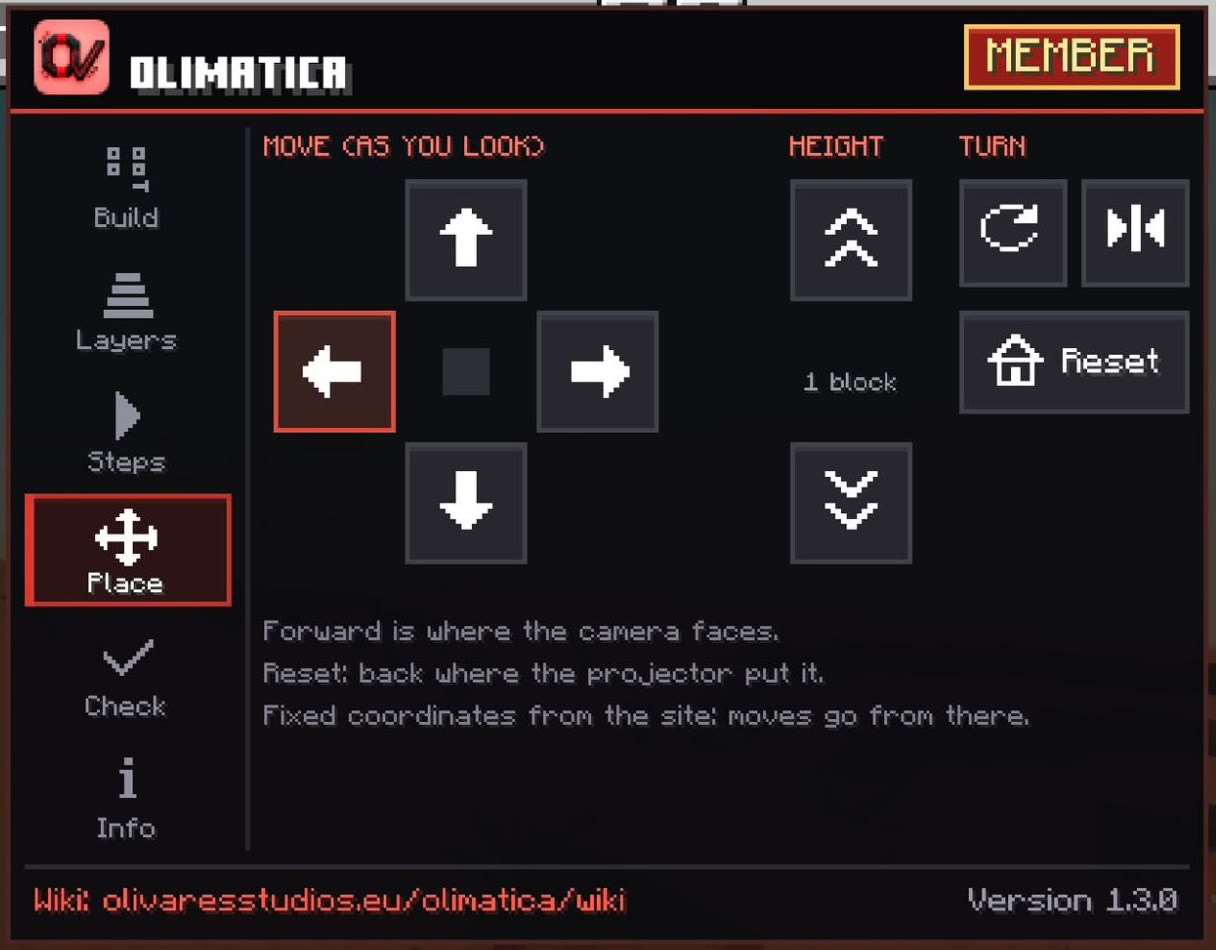
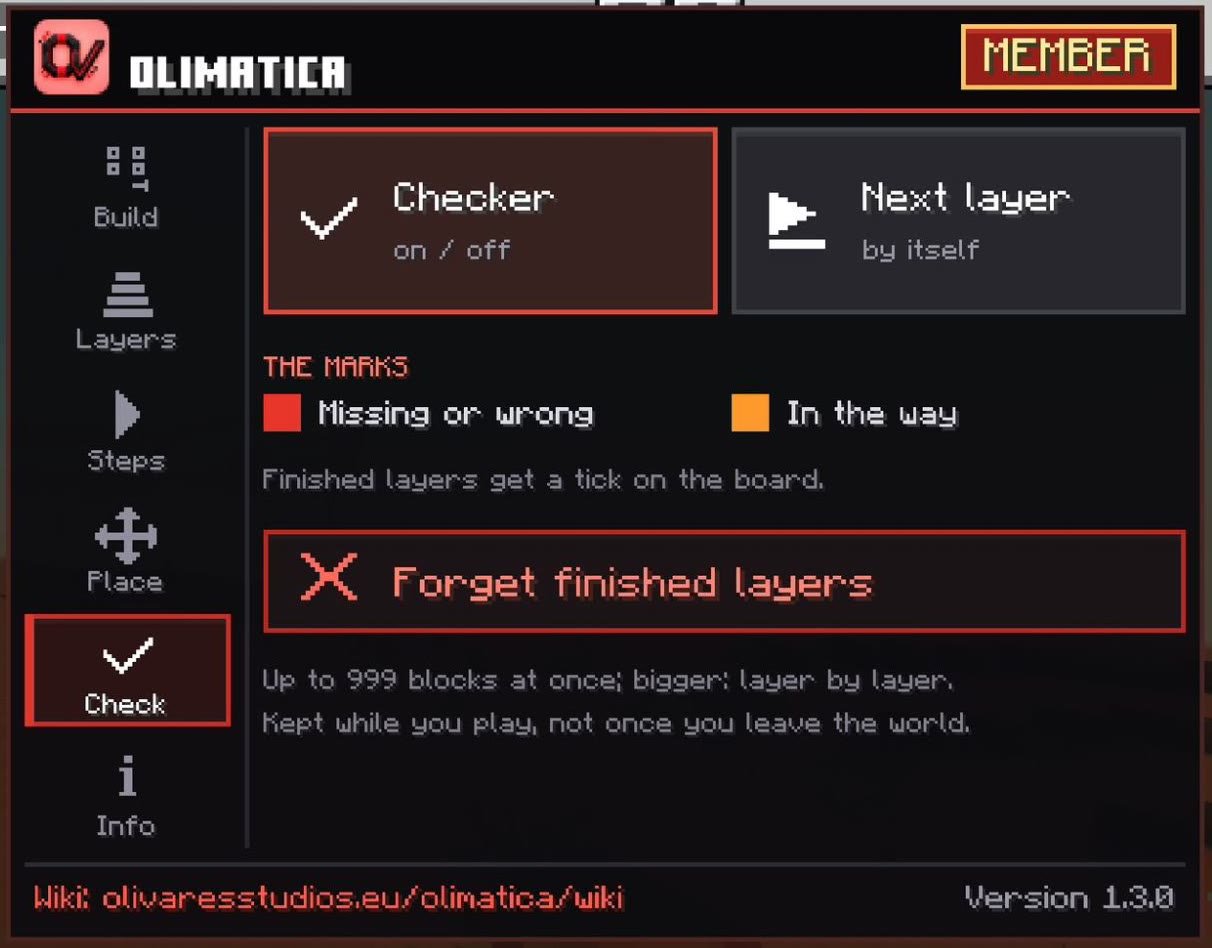
The menu, its tabs down the side: the build (show, next, opacity), the layers (all below, this one, all above, from here), the steps, move and turn, the checker, the materials.
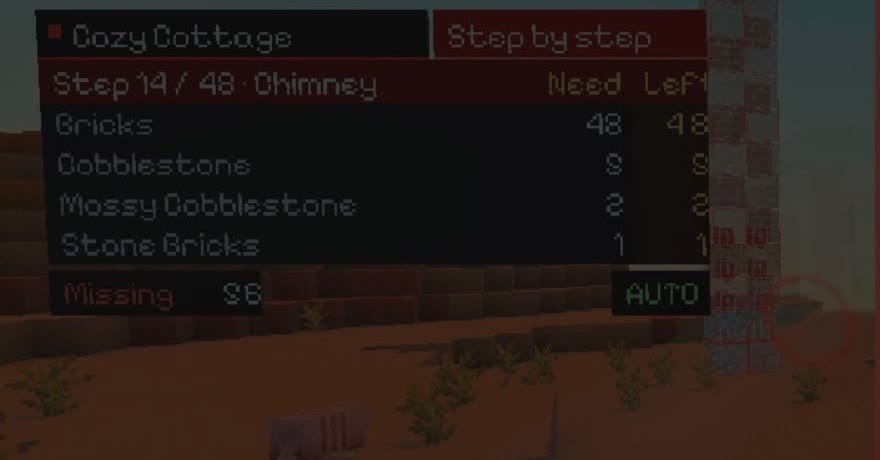
Red marks on the blocks missing or wrong in the layer or step you build, orange on the blocks in the way; the board counts what is left of each material.
The next build of the pack. Or name the stand after a build, with a name tag.
Something not working in the game or on this page? Report an issue: we read every report.
Share your builds
Share your own structures: once an admin approves one, it is in Explore, everybody can add it to their packs, and you get 3 bonus packs (more packs, of up to 4 builds each).
Free or Member
- Up to 2 builds in a pack
- 3 packs a day
- A 8 second wait, with an ad, before each download
- 3 bonus packs for each build of yours approved
- Any number of builds in a pack
- Packs without limit
- No waiting, no ad
Join 1,500+ members